Clear learning content
Courses with real screenshots that every employee works through step by step, at their own pace.
Team Academy · White label
A learning platform in your company’s corporate design. Your employees learn the AI tools you use, step by step and at their own pace. You can see at any time how AI literacy is developing across the team.
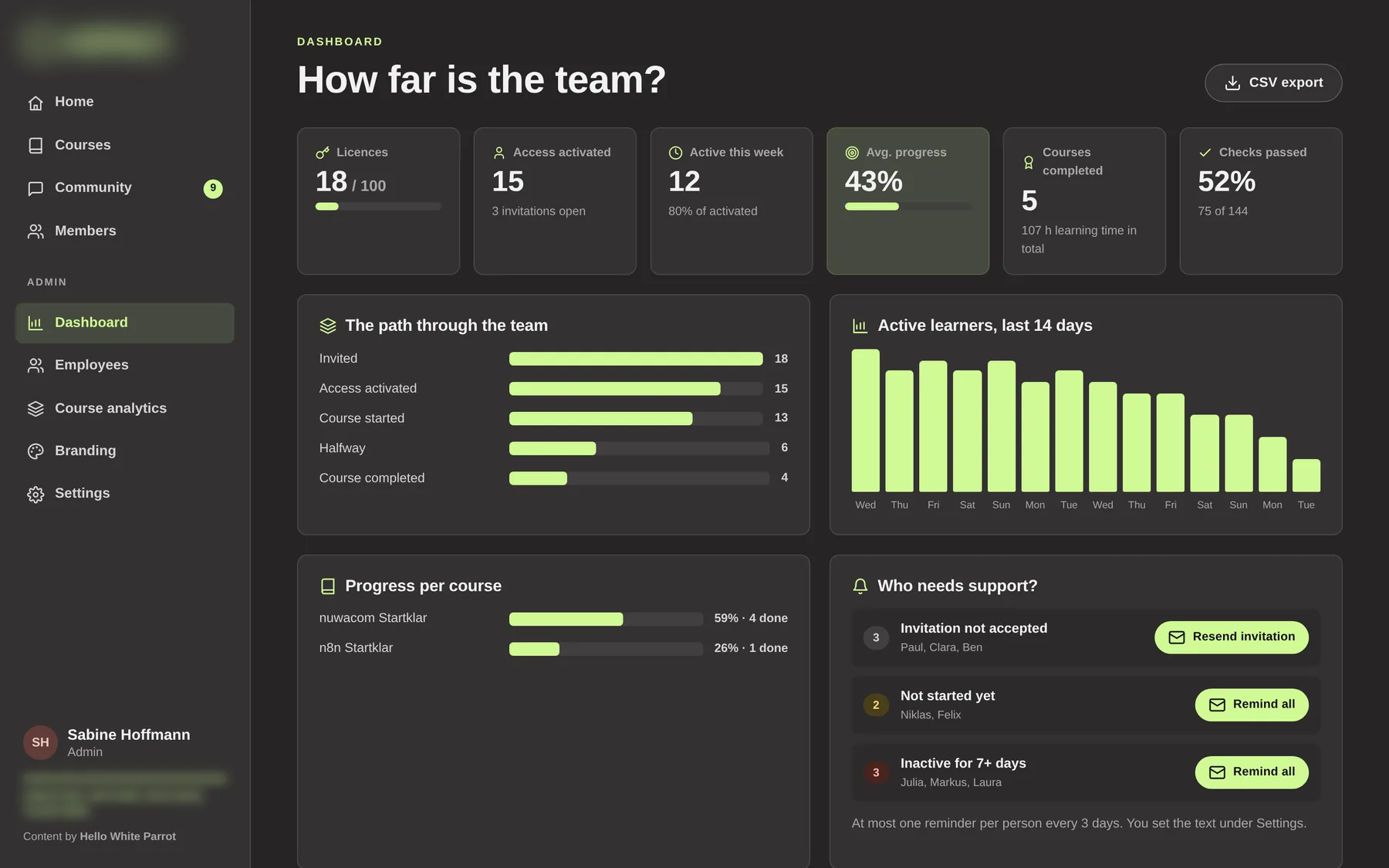
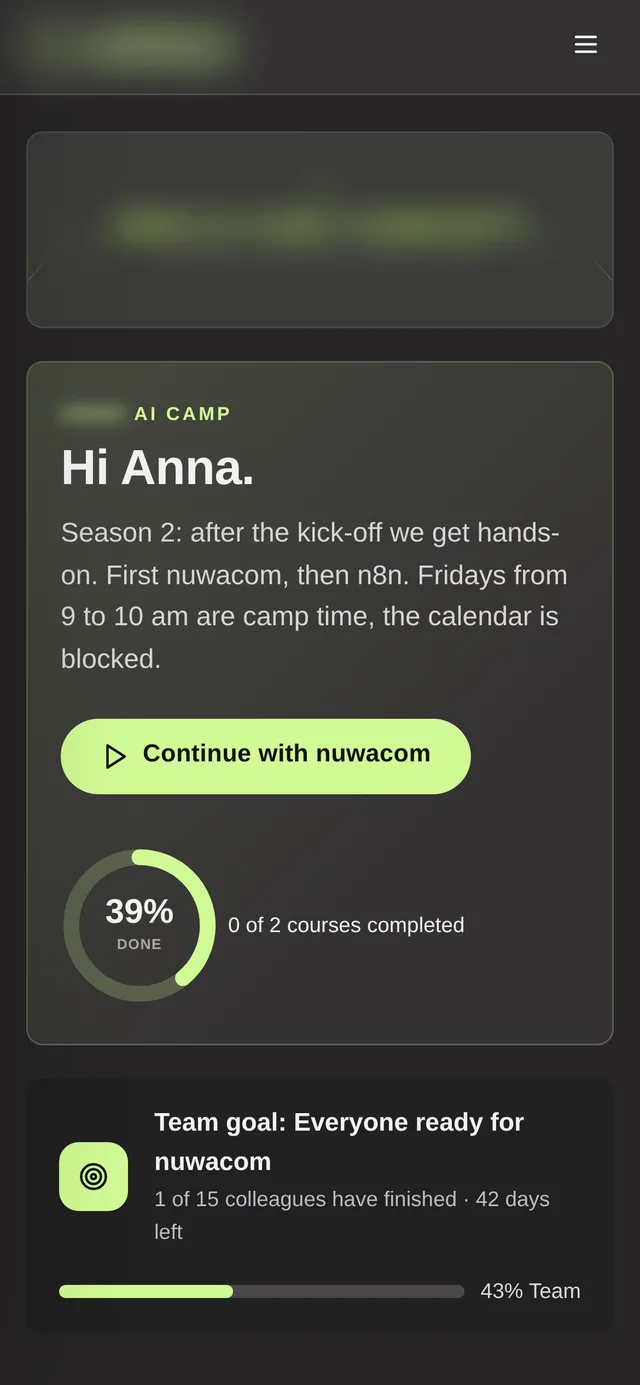
Example: the Brandname AI Camp in the corporate design of the Brandname Group · all people and figures are fictitious
The starting point
Many companies introduce AI tools such as nuwacom, Langdock, n8n or Claude. After the first training, usage often drops: day-to-day business takes priority, questions stay open, and nobody knows exactly where the team stands. Lasting competence is built when three things come together.
Courses with real screenshots that every employee works through step by step, at their own pace.
A dashboard shows who has started, who has finished and where support is needed.
A community where colleagues answer questions, share solutions and learn from each other.
The Team Academy brings all three together in one platform.
The principle
The academy guides your employees from the first chapter to their own use case in everyday work. Every step becomes visible, every good solution reaches the whole team.
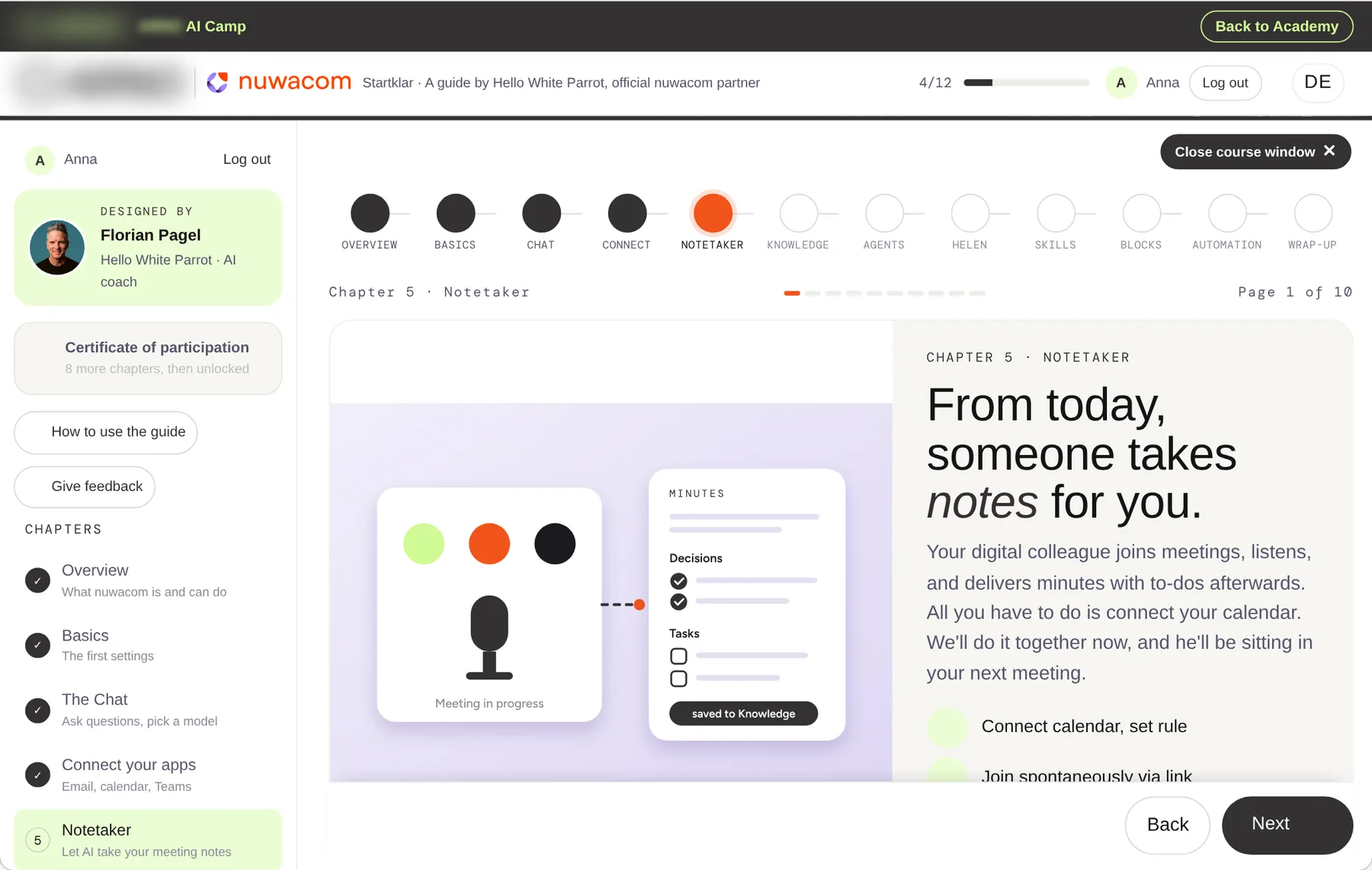
Every chapter starts with a clear goal and takes about ten minutes. Your employees learn at their own pace.
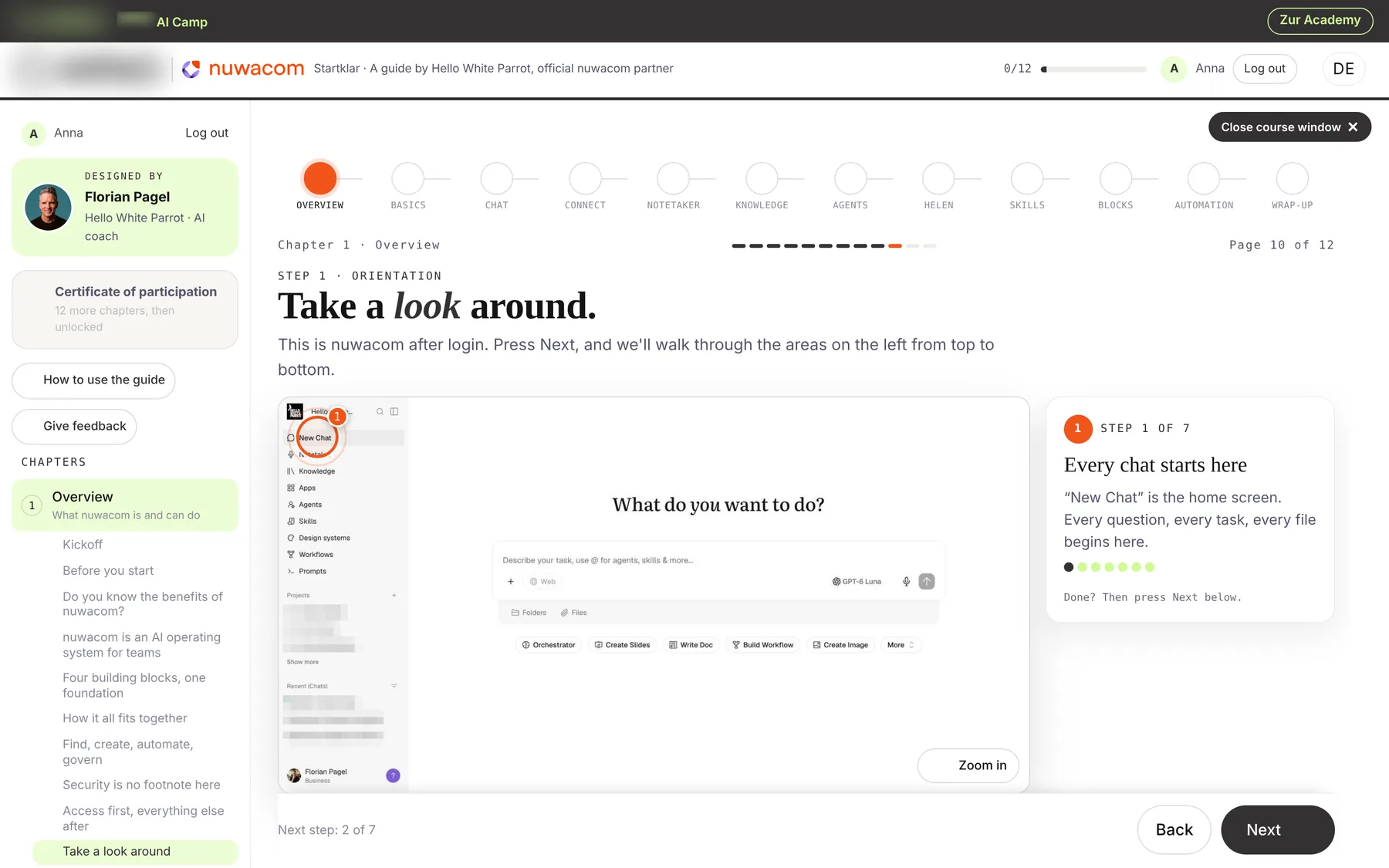
Numbered steps on real screenshots lead straight through their own account. That builds routine in the tool.
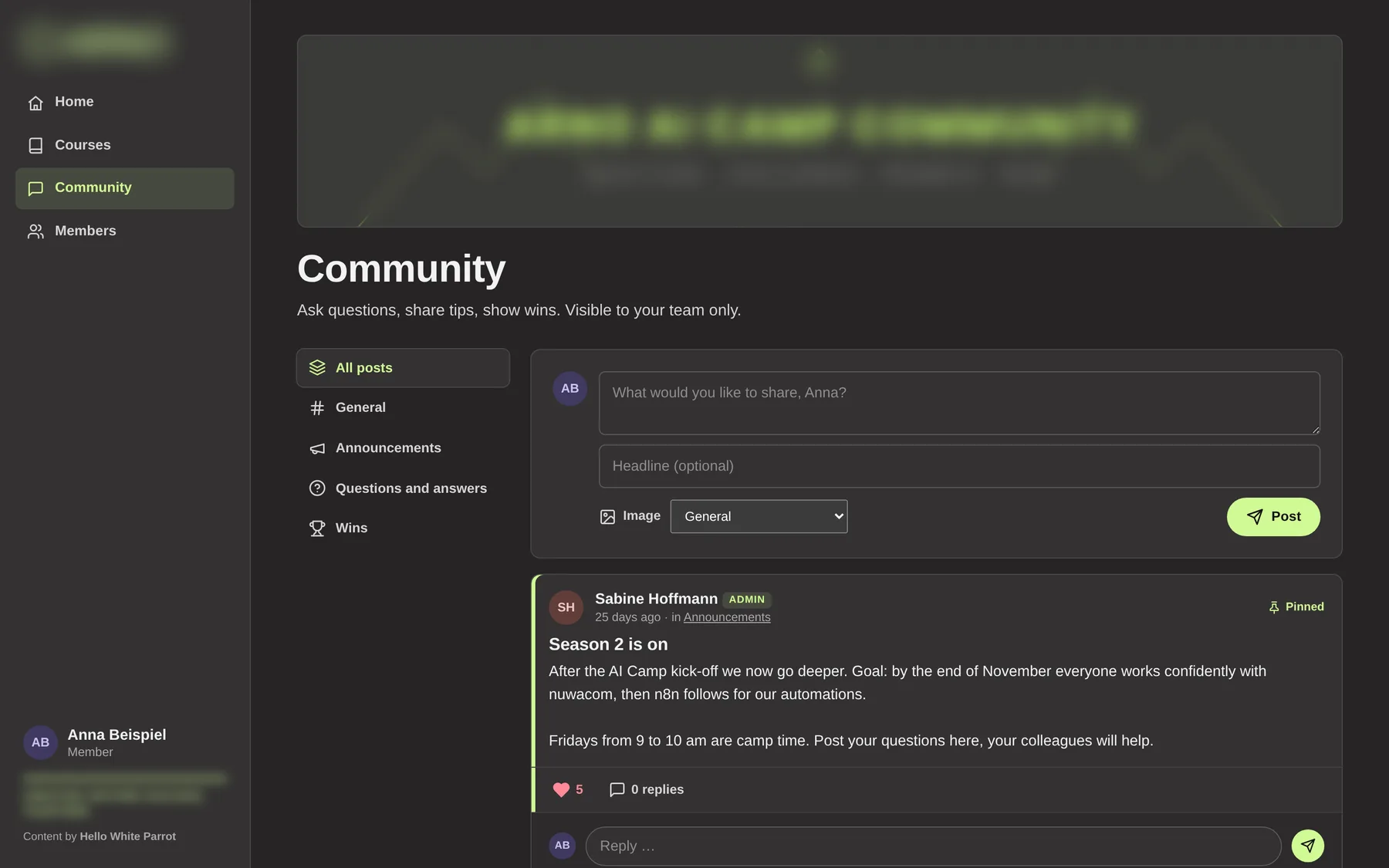
In the community, colleagues share questions, solutions and successful use cases. Good ideas reach the whole team.
The dashboard shows how AI literacy is developing and where support is needed.
Corporate design
Logo, colours, fonts, imagery, a light or dark look: the academy adopts your corporate design completely. Your employees experience it as part of their own work environment, which strengthens acceptance and use. Try it out.
#D0FA94The live preview needs an up-to-date browser.
Preview on the real course page “nuwacom Startklar”. We set up your house font and imagery during onboarding, your admins then manage logo and colours themselves.
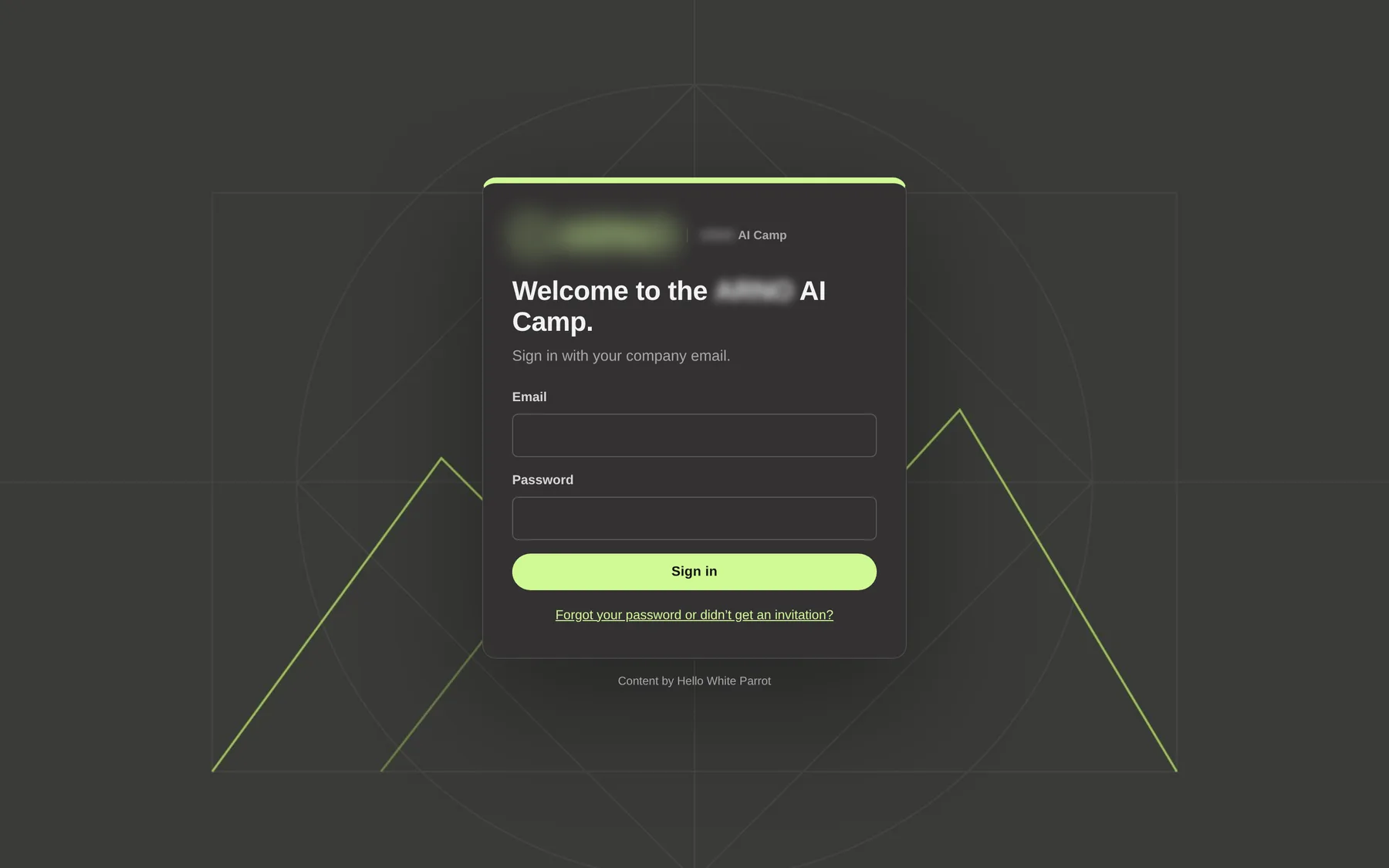
How it looks in practice: the Brandname AI Camp in the corporate design of the Brandname Group.
Learning dashboard
HR, management and AI leads see at a glance how many employees are actively learning, which courses are completed and where support is needed. You steer competence building with purpose and keep it documented.
Three mechanisms make sure learning does not disappear in day-to-day business.
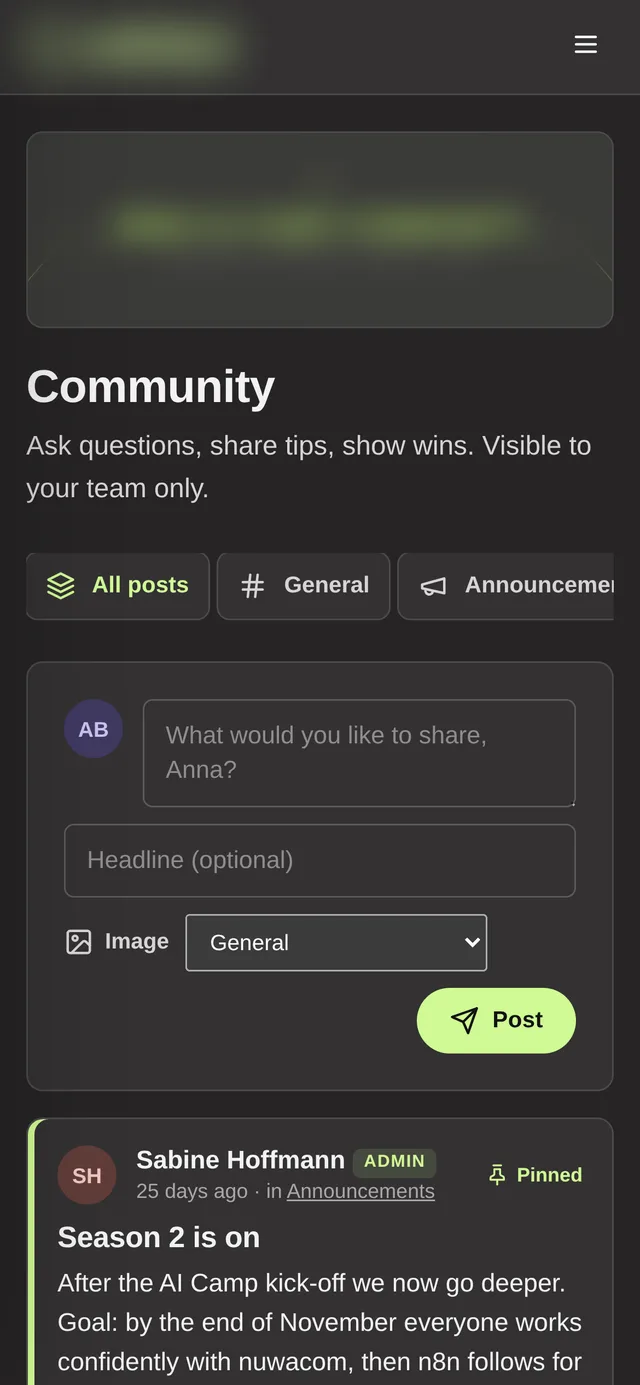
Community
Questions, solutions and successful use cases come together in one shared place, visible only to your company. Knowledge grows across the whole team, and your AI champions get some relief.
Courses
The courses of the HWP Self-Learning Academy guide learners step by step through each platform, with real screenshots, practical tips and short knowledge checks at the end of every chapter. Anyone who completes a course receives a certificate of participation in AI literacy.
The AI operating system for teams: from first login to your own agent.
Assistants, knowledge and workflows on the European AI platform.
Build automations, even without programming skills.
Chat, Cowork, Claude Code and Claude Design in everyday work.
A chapter of the course “nuwacom Startklar”, shown in the corporate design of the Brandname Group.
You choose which courses your team receives. Interface, emails and courses are available in German and English.
How it works
In 20 minutes we clarify goals, team size and the tools you use, and recommend the right courses.
We set up your academy in your company’s corporate design and create your admins.
You invite your employees and follow learning progress in the dashboard.
We start with a live training on site or online and support your team in the first weeks. The academy ensures that what was learned reaches everyday work.
It depends on the number of licences and courses. Price on request, we work it out for your team in the intro call.
No. The academy runs in the browser on computer, tablet and smartphone. Your employees receive an email invitation and set a password.
Learning progress, passed knowledge checks and the last activity. Answers in exercises and personal notes stay private. In “totals only” mode you see figures for the whole team only.
Usually a few days after the intro call. Your admins can adjust logo, colours and texts themselves at any time afterwards.
Yes. Interface, emails and courses are available in German and English, you set the language per academy.
Yes. Anyone who fully completes a course receives a certificate of participation in AI literacy.
Cookies for Google Analytics and Google Ads?We would like to use Google Analytics to understand how our site is used, and Google Ads conversion tracking to measure whether our ads lead to enquiries. For this, Google (Google Ireland Limited) sets cookies, and data may also be transferred to the USA. Without your consent, nothing is loaded and nothing is sent to Google. You can change or withdraw your choice at any time via “Cookie settings” in the footer. Privacy policy