The basics
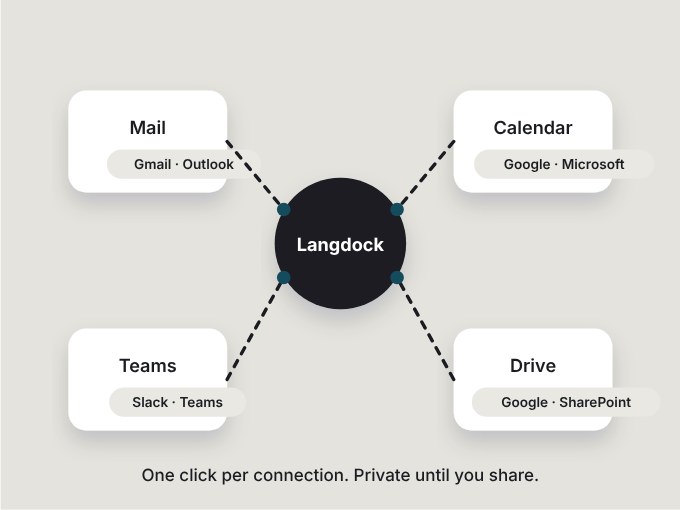
Set up your profile and model, connect mail, calendar and Drive, store knowledge in folders and collections.

Langdock training · Self-learning
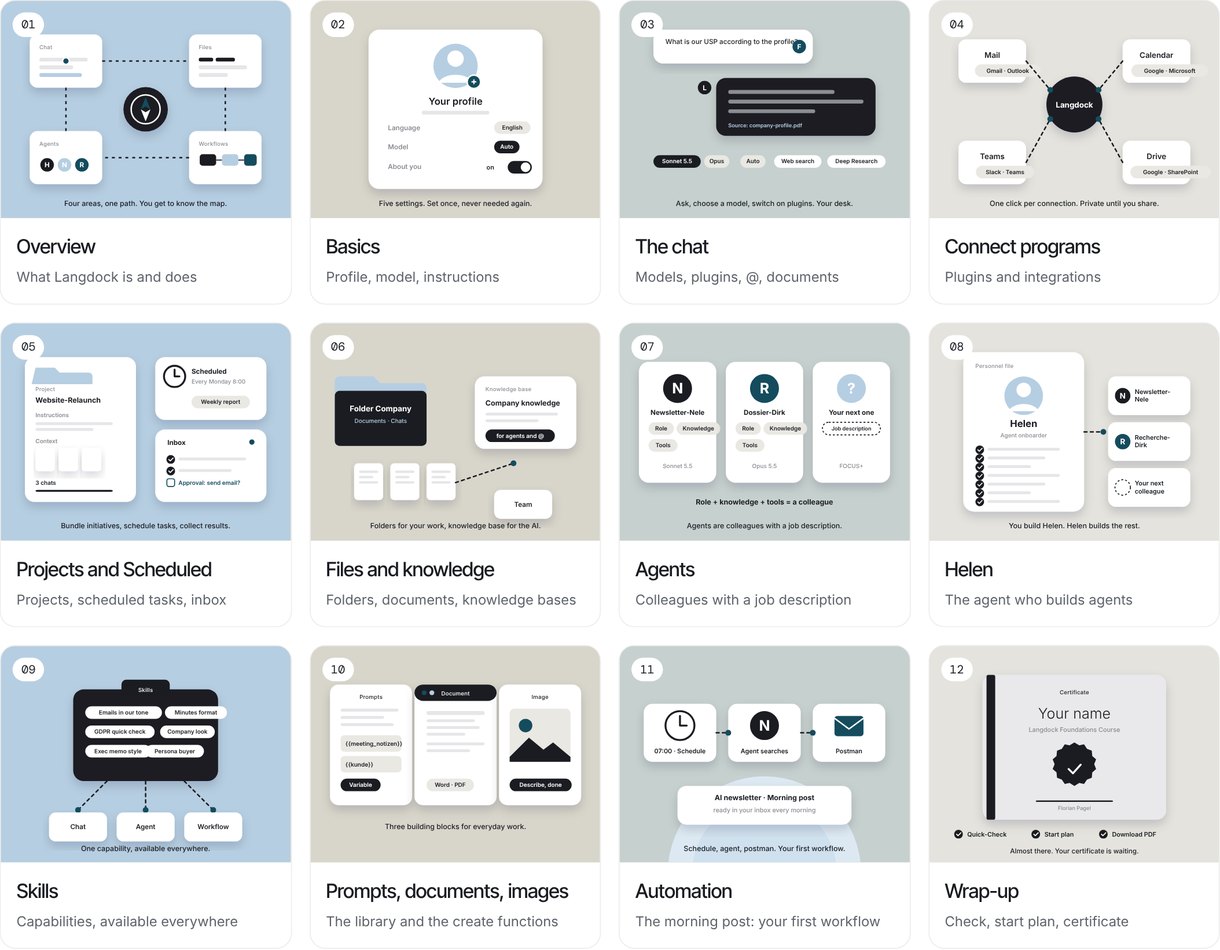
We give you a click-along guide, step by step: how to set up Langdock, prompt well and build agents and workflows. In English or German.
What the course feels like
The guide shows you on real Langdock screens where to click. You do it right away and press Next.
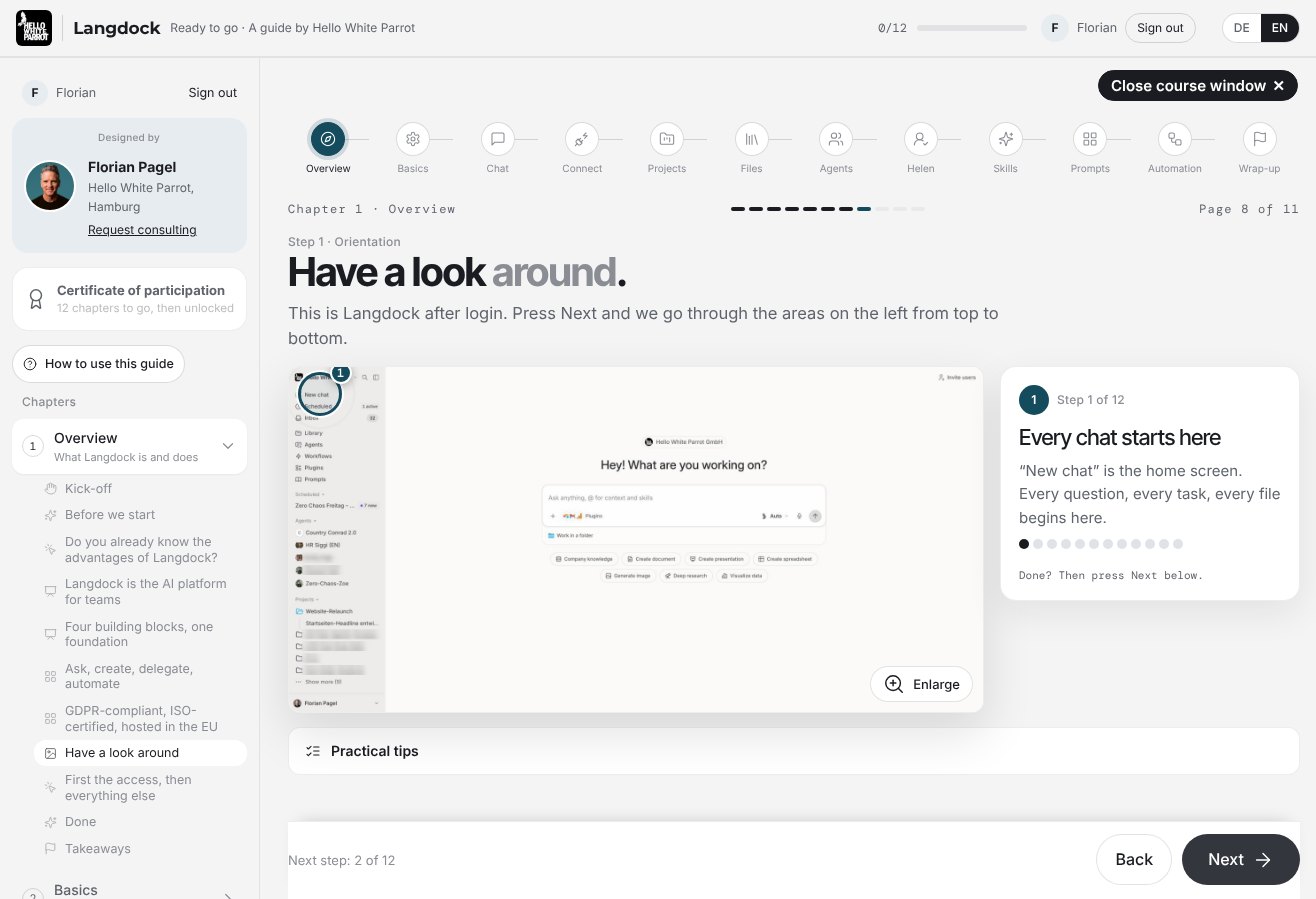
Every step shows where to click. Tap to enlarge.
Pause any time, skip chapters or pick up where you left off.
A few questions at the end of each chapter, so what you just set up really sticks.
What you learn
Set up your profile and model, connect mail, calendar and Drive, store knowledge in folders and collections.
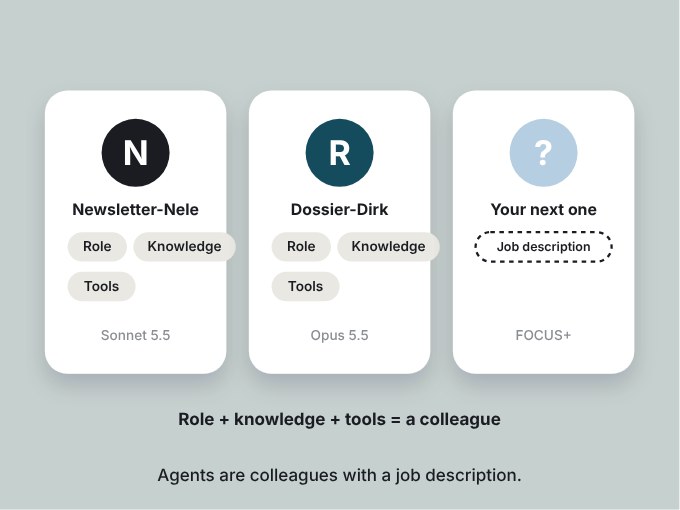
Build your own agents with a role, knowledge and tools. Helen helps you create new colleagues.
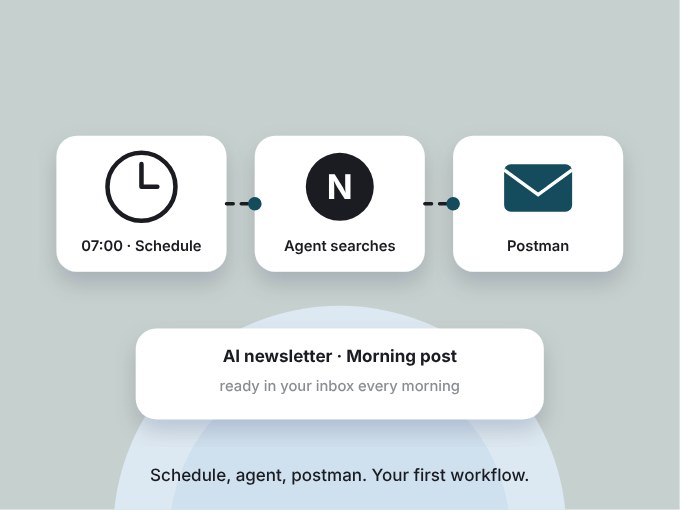
Your first workflow: every morning a finished AI newsletter lands in your inbox, researched by your own agent.
At the finish
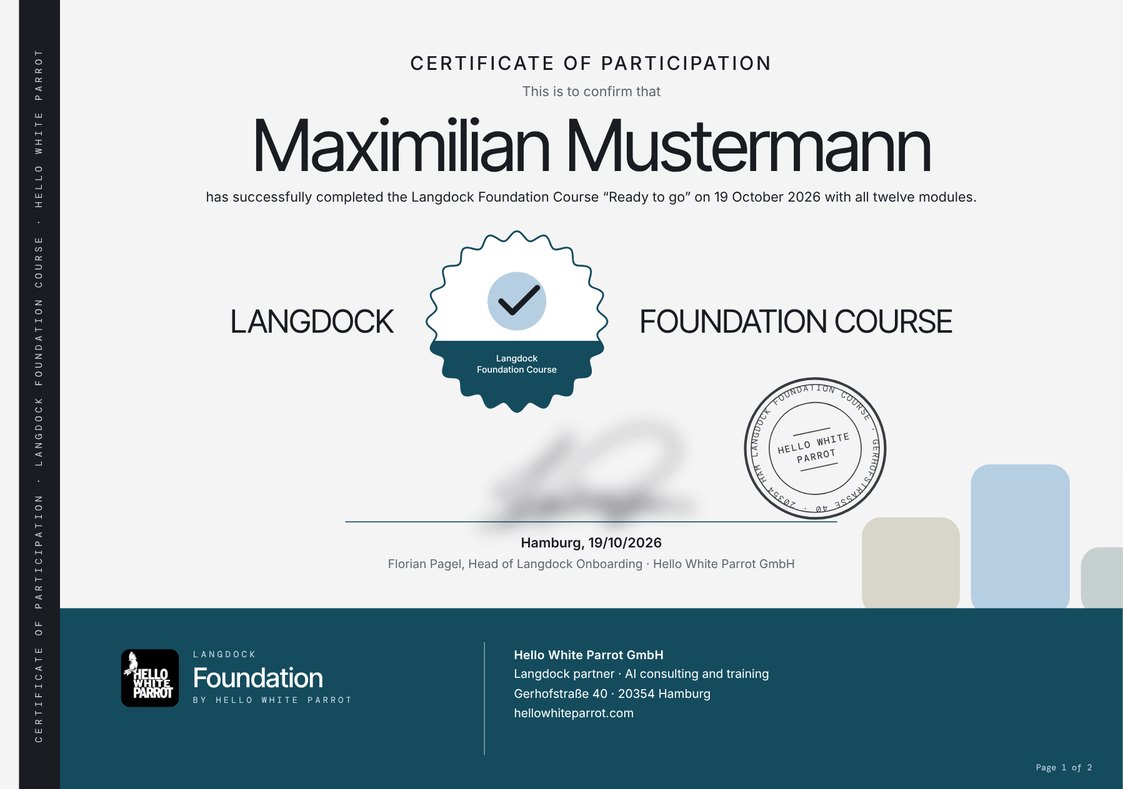
Once you have completed all chapters, you download a certificate of participation as a PDF, with your name, the date and the course content.
The chapters
What Langdock is and does · Four building blocks, one foundation
Profile and default model · Custom instructions
Models and plugins · @ and documents in chat
Mail, calendar, Teams, Drive · What stays private and what is shared
Bundling projects · Scheduled tasks and inbox
Folders and documents · Knowledge collections for agents
Colleagues with a job description · Role, knowledge, tools
The agent who builds agents
Abilities you can switch on anywhere
The prompt library · Creating documents and images
Schedule, agent, postman · Your morning briefing as your first workflow
Quick check · Starter plan to tick off · Certificate of participation as a PDF
Who it is for
Your company has introduced Langdock or is planning to. You want to get going without waiting for the next training session.
You want to go through it yourself before you bring your team along. And afterwards you know which questions will come up.
You have never built an agent. Chapter 1 picks you up right there.
The small print, in large type
Are you an AI coach or trainer yourself, or do you run an academy? Then this guide is not for you. We built it for teams who work with Langdock, and we do not release it as a template for other courses. We still enjoy talking shop with colleagues: Write to us.
Your access is personal and works on up to two devices, for example laptop and phone. Please do not pass it on. Colleagues get their own, and there is a team version for whole teams. We review unusual logins, details in the privacy policy. Thanks for playing fair.
Set up your workspace directly via our partner link hellowhiteparrot.com/langdock. Sign up with your company email, then all your colleagues will later land in the same workspace.
FAQ
No. Chapter 1 starts at the very first login. If you already work with Langdock, jump straight to the chapters that interest you.
As long as you need. It works best in stages, your progress is saved.
The guide is made for work. A company email tells us it reaches the place where it is needed.
Yes. For companies there is the Langdock rollout as a live course, on site or online. Talk to us.
The guide was designed by Hello White Parrot. We are an official Langdock partner and roll out Langdock in companies.
Yes. You can switch between English and German in the guide at any time.
Please don't. Your access is personal and works on up to two devices at the same time, for example laptop and phone. Colleagues get their own access, and there is a team version for whole teams. How we detect shared access is explained in the privacy policy.
Your account and your progress are stored on our server in Germany. Details are in the privacy policy.
Cookies for Google Analytics and Google Ads?We would like to use Google Analytics to understand how our site is used, and Google Ads conversion tracking to measure whether our ads lead to enquiries. For this, Google (Google Ireland Limited) sets cookies, and data may also be transferred to the USA. Without your consent, nothing is loaded and nothing is sent to Google. You can change or withdraw your choice at any time via “Cookie settings” in the footer. Privacy policy